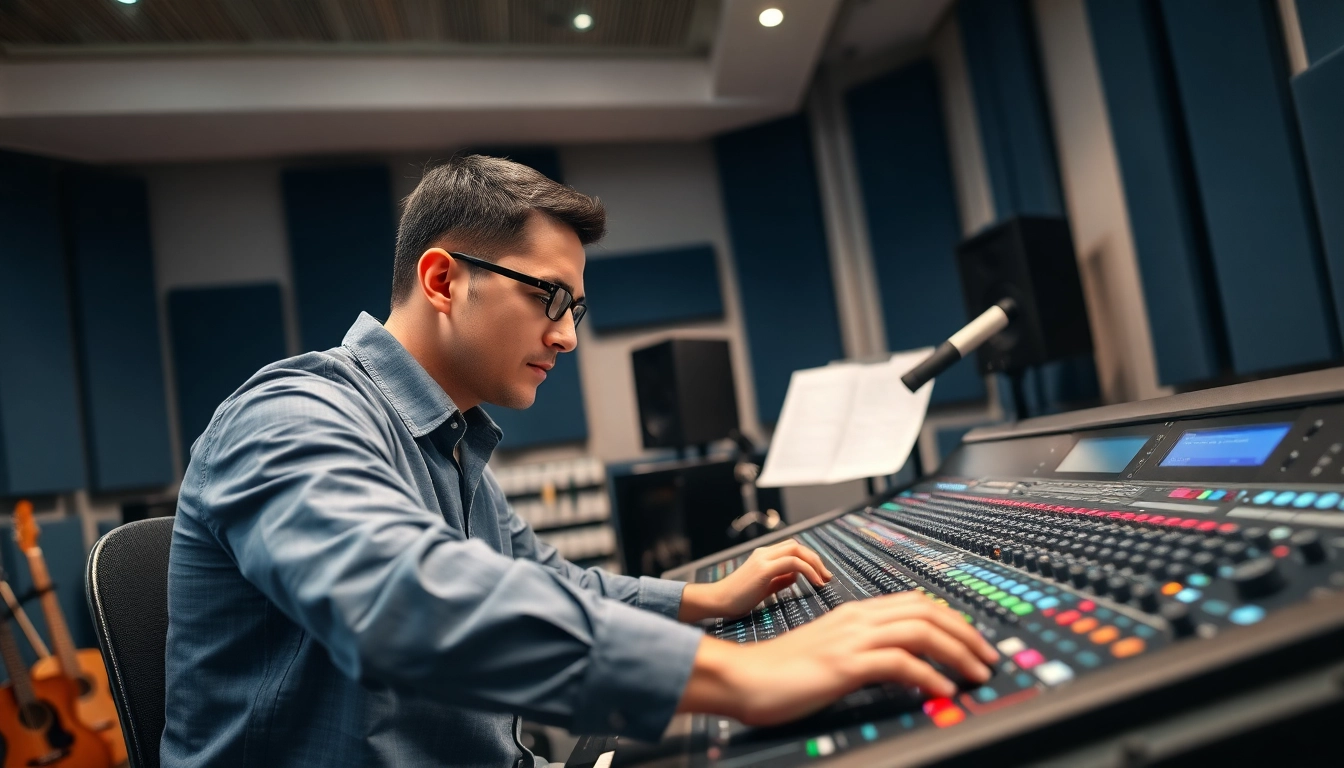
Understanding Online Audio Mastering
Definition and Importance
Online audio mastering is the final step in the music production process that prepares tracks for distribution. It involves applying a series of audio processing techniques to enhance the sound quality, ensure tonal balance, loudness, and consistency across different playback systems. Unlike producing or mixing, where individual elements are adjusted, mastering focuses on the entire mix to achieve a polished and professional sound. The importance of mastering cannot be overstated; it ensures your music stands out in a crowded marketplace, meeting industry standards and delivering a compelling listening experience.
Key Differences from Mixing
Many confuse mixing and mastering, as both are vital stages in audio production. Mixing involves adjusting the individual tracks of audio to create a cohesive sound, focusing on levels, panning, and equalization. In contrast, mastering is the process of preparing that final mix for public consumption. It’s about optimizing the mixed sound for any playback system or medium, whether it's streaming services, vinyl, or radio. Think of mixing as assembling a jigsaw puzzle and mastering as framing that completed puzzle for display.
Benefits of Online Audio Mastering
Utilizing online audio mastering provides numerous advantages for artists and producers. Firstly, it grants access to professional-grade mastering services at a fraction of traditional costs, making it affordable for independent musicians. Secondly, it allows for convenience, where tracks can be uploaded from anywhere and processed with the click of a button, significantly speeding up project timelines. Lastly, many online mastering services offer detailed feedback and revisions to refine the final product, ensuring high-quality output tailored to specific genres and stylistic needs.
The Online Audio Mastering Process
Step-by-Step Overview
The online audio mastering process typically follows these phases:
- Upload Your Track: Artists begin by uploading their mixed track to the mastering platform.
- Select Preferences: Users may choose specific mastering styles or settings based on genre or intended output.
- Processing: The system applies various mastering tools such as equalization, compression, and limiting to enhance the track.
- Review and Adjust: Clients receive a mastered preview and can respond with feedback for adjustments.
- Finalize: After any necessary revisions, the final version is delivered in the required formats for distribution.
Tools and Software to Use
Effective online audio mastering relies on a combination of sophisticated tools and software. Standard choices include:
- Digital Audio Workstations (DAWs): Software like Pro Tools, Logic Pro, or Ableton Live.
- Plug-ins: Essential plug-ins include EQ, compressors (like WAVES or FabFilter), and limiters.
- Online Mastering Platforms: Services such as LANDR and eMastered offer automated solutions using advanced algorithms.
Best Practices for Quality Output
To achieve the best results in online audio mastering, consider these best practices:
- Prepare Your Mix Properly: Ensure that your mix is balanced, with no clipping, and leave some headroom (around -6 dB is advisable).
- Use Reference Tracks: Compare your track against commercially successful songs in similar genres to gauge stylistic choices and loudness levels.
- Take Breaks: Human ears can fatigue; listening breaks help maintain objectivity during the mastering process.
- Request Feedback: Utilize the input from trusted peers or mentors to refine the mastered output.
Choosing the Right Online Audio Mastering Service
Factors to Consider
Selecting an appropriate online audio mastering service requires weighing several factors. Key elements to consider include:
- Quality and Expertise: Look for services with a proven track record and testimonials from successful artists.
- Pricing Structure: Consider your budget, as services can range widely in cost.
- Turnaround Time: Ensure the service offers a timeline that meets your release schedule.
- Flexibility in Revisions: Check if the service allows for adjustments based on feedback, ensuring you achieve the desired sound.
Comparing Service Providers
When evaluating different providers, create a comparison table that outlines their services, costs, turnaround times, and additional features. This will assist in making an informed decision. Additionally, some services offer free trials or demos, allowing you to gauge their quality and responsiveness before committing.
Customer Reviews and Case Studies
High-quality feedback from past clients can provide insight into how well a service delivers its promises. Look for case studies that highlight specific tracks and the differences made by the mastering process. Reviews on trusted forums or music industry websites can also offer invaluable perspectives from like-minded artists who have experienced firsthand the effectiveness of various services.
Common Challenges in Online Audio Mastering
Addressing Technical Issues
Technical challenges frequently arise in online audio mastering, from file compatibility to uploading errors. Ensure your audio files are in the correct formats, typically WAV or AIFF, and double-check their sample rates and bit depth to avoid playback problems. If issues arise, most services provide readily accessible support to guide you through troubleshooting.
Avoiding Over-Compression
One of the most common pitfalls in mastering is over-compression, which can lead to a lifeless sound. Instead, aim for a balanced compression that enhances loudness without sacrificing dynamic range. Regularly referencing tracks against industry standards can help maintain the integrity of your music's dynamics.
Ensuring Consistency Across Platforms
The final master needs to sound consistent across various playback systems, from high-end speakers to phone earbuds. Utilize multiple playback methods during the review process to gauge how your track translates on different devices. Online mastering services often tailor their output for particular platforms, which can greatly aid in achieving uniformity.
Measuring Success in Online Audio Mastering
Key Performance Indicators to Track
Success in online audio mastering can be measured through specific Key Performance Indicators (KPIs). Track the play counts of your music across platforms, watch for engagement metrics such as likes and shares, and monitor listener retention rates. These can provide quantifiable insights into how well your music resonates with your audience.
Feedback Mechanisms for Improvement
Collecting feedback from listeners after releasing your mastered track is crucial. Utilize surveys, social media polls, or direct listener outreach to understand their impressions. This insight can inform future projects and help refine your mastering choices.
Long-Term Strategies for Audio Quality Enhancement
To ensure ongoing improvement in audio quality, consider investing in professional training and continuous learning about mastering techniques and trends. Establish relationships with seasoned professionals who can provide mentorship. Additionally, maintaining careful documentation of what works and doesn’t through each project can help build a valuable knowledge base for future efforts.
FAQs
What is online audio mastering?
Online audio mastering is the final step of audio production, enhancing tracks for clarity, loudness, and consistency across various platforms before distribution.
Can I master my own music online?
Yes, you can use online platforms for mastering, but professional services often yield better results due to specialized knowledge and advanced tools.
How long does the mastering process take?
The time for online audio mastering varies by service, typically ranging from a few hours to a few days depending on the provider and workload.
Is online audio mastering expensive?
Costs for online audio mastering can vary widely, from budget-friendly options to premium services. It’s vital to choose one that fits your budget while still meeting quality standards.
What file formats are needed for mastering?
Most online mastering services accept WAV or AIFF file formats, ideally with a minimum of 16-bit/44.1 kHz quality for optimal results.